

If you’ve chosen Click2Pharmacy as your nominated pharmacy, you can use our app to manage your repeat prescriptions straight from your phone.


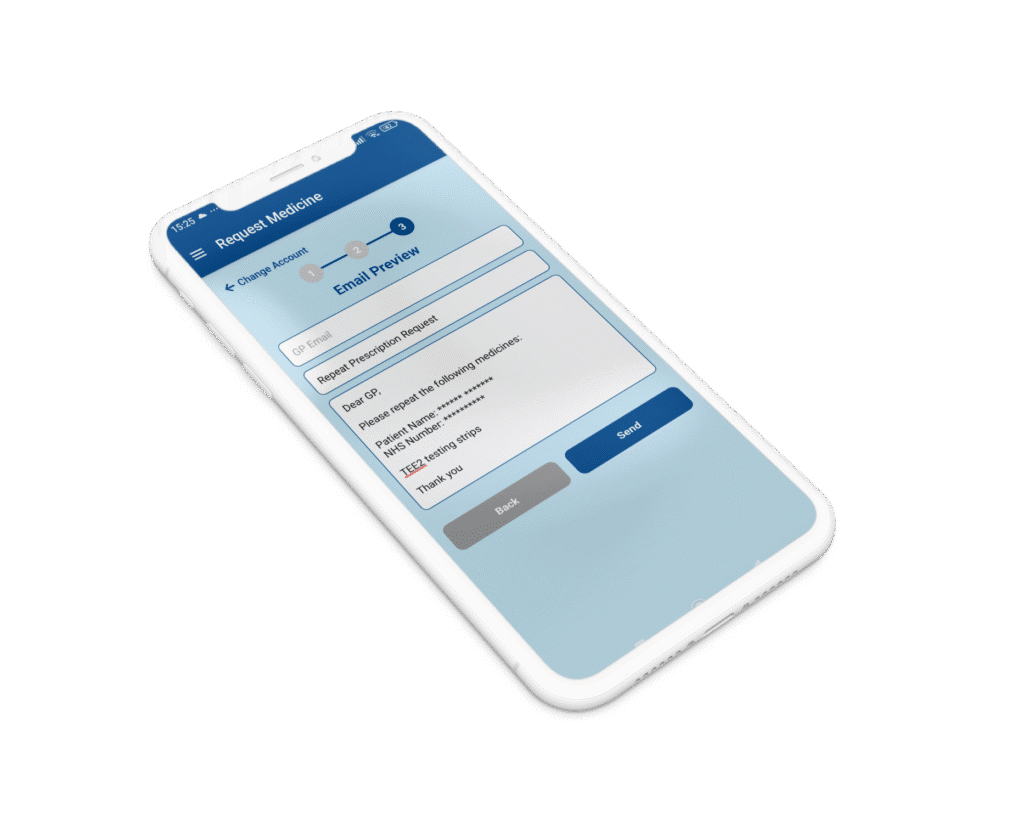
With the Click2Pharmacy Rx app, patients who have already nominated us can manage their NHS repeat prescriptions directly from their phone. The app allows you to keep track of your medication, request repeats, manage family members’ prescriptions, and stay updated throughout the entire process.
Install the app from the App Store or Google Play to begin.
Enter your NHS number and date of birth to confirm your identity.
Log in and manage your repeats from your phone.
Not nominated yet? Click here to nominate us.
The app is for patients who have already nominated Click2Pharmacy as their NHS pharmacy. Once you are nominated, you can set up your account and manage your repeat prescriptions directly from your phone.
Open the app and click “Verify to Set Up Password.”
You will be asked to enter your NHS number and date of birth, then complete a short form with your details, ID, selfie and a password.
Our team will verify your account manually and email you once it is approved. You can then log in and request your repeat prescriptions.
Not yet. You must nominate Click2Pharmacy as your NHS pharmacy first.
You can do this here:
https://click2pharmacy.co.uk/nhs-prescriptions/
Once nominated, you can download the app and complete the account setup.
This is required for identity verification and to complete your password setup. It helps confirm your identity, protect your medical records, and ensure we safely provide you with access to your Click2Pharmacy Rx app account.
Our pharmacy team verifies accounts manually.
Most accounts are approved the same day, and you will receive an email once your account is ready to use.
Yes. You can add and manage repeat prescriptions for family members from your own account, making it easier to handle multiple medications in one place.
Yes. The app can send reminder notifications so you never run out of your medication.